Pick your inspiration.
Choose a target photo with the look and setting you’d like to explore.
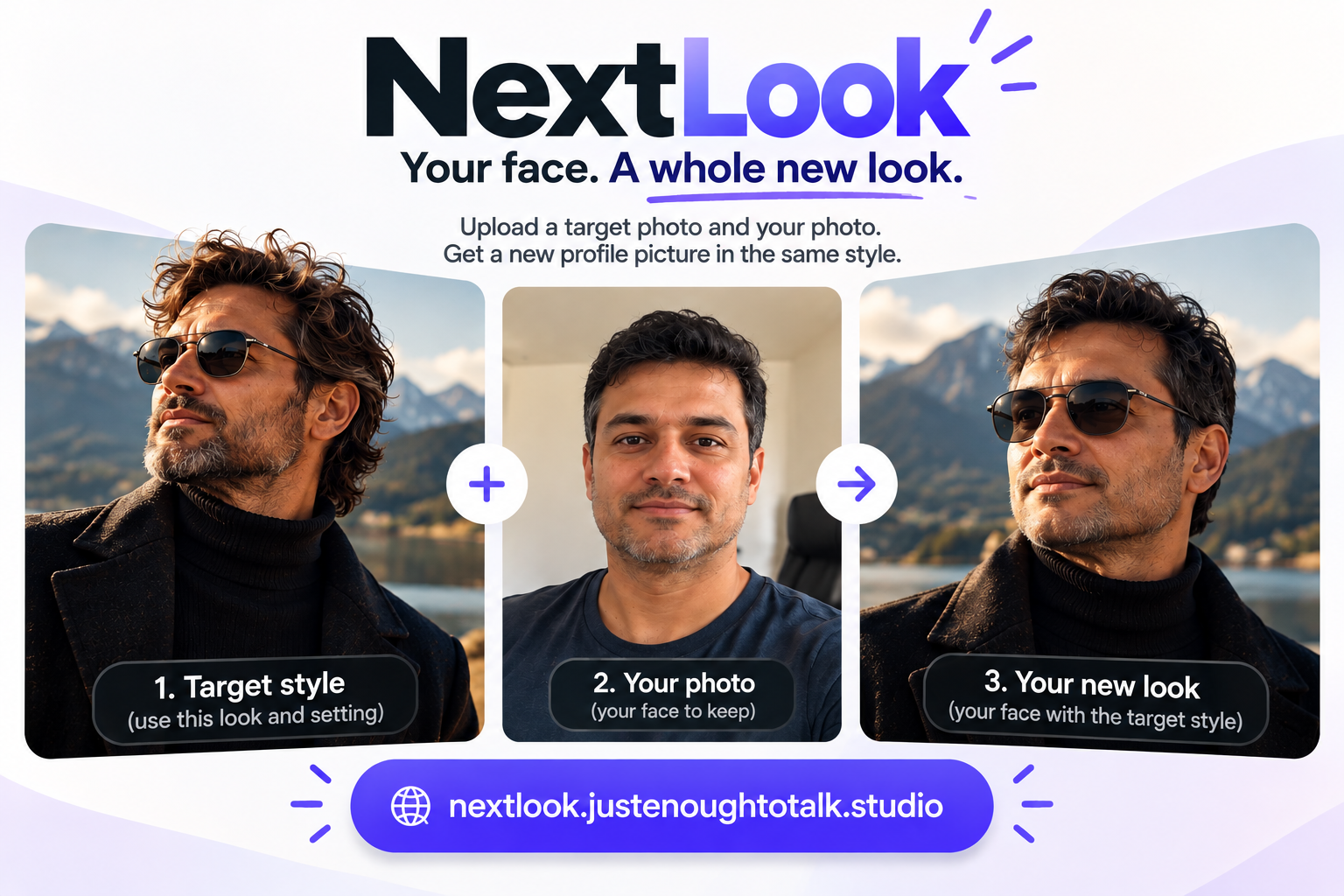
Choose a target photo with the look and setting you’d like to explore.
Upload a photo of yourself as the face to keep in the new portrait.
Create a new profile picture inspired by the reference style.
A little more context
A target photo for the style and setting, plus a photo of yourself. The NextLook app guides you through the upload process.
It comes from existing NextLook promotional artwork and illustrates the reference-photo-to-portrait workflow. It is not a live result generated by this page.
Use the NextLook application linked below. This homepage does not collect or upload photos. Review the application’s current terms before uploading.